Online Piano & Voice Lessons that Build Skill, Confidence, & Joy
Sounds of Joy Music Studio offers online piano and voice lessons for children, teens, and adults across the United States.
Founded by music teacher Rebecca Alderman, the studio focuses on joyful instruction, musical growth, and confidence-building in a supportive, faith-friendly environment.
Online Lesson Setup Instructions
for Online Club, Party, Group, or Individual Piano Lessons
Scroll down for Online Voice Lesson Setup
Logon Information
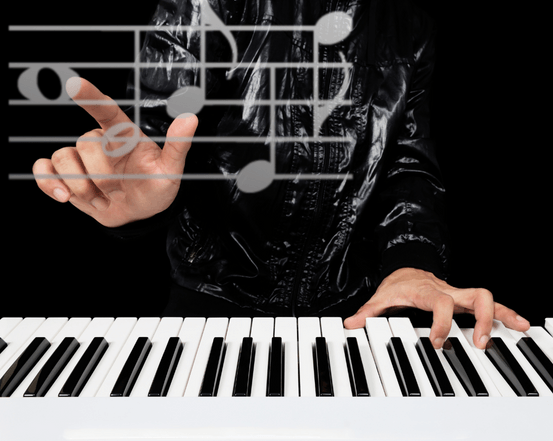
Using a Google Chrome or Brave browser only, log in to the lesson with the LINK to the MOOZ platform provided at the top of your custom Google Doc Assignment sheet.
You will need an internet speed of at least 1.5 Mbps. Check Speed Test here.
You will also need to print the sheet music for the lesson or party.
Cell Phone Stand
with Boom
Watch the video example below.
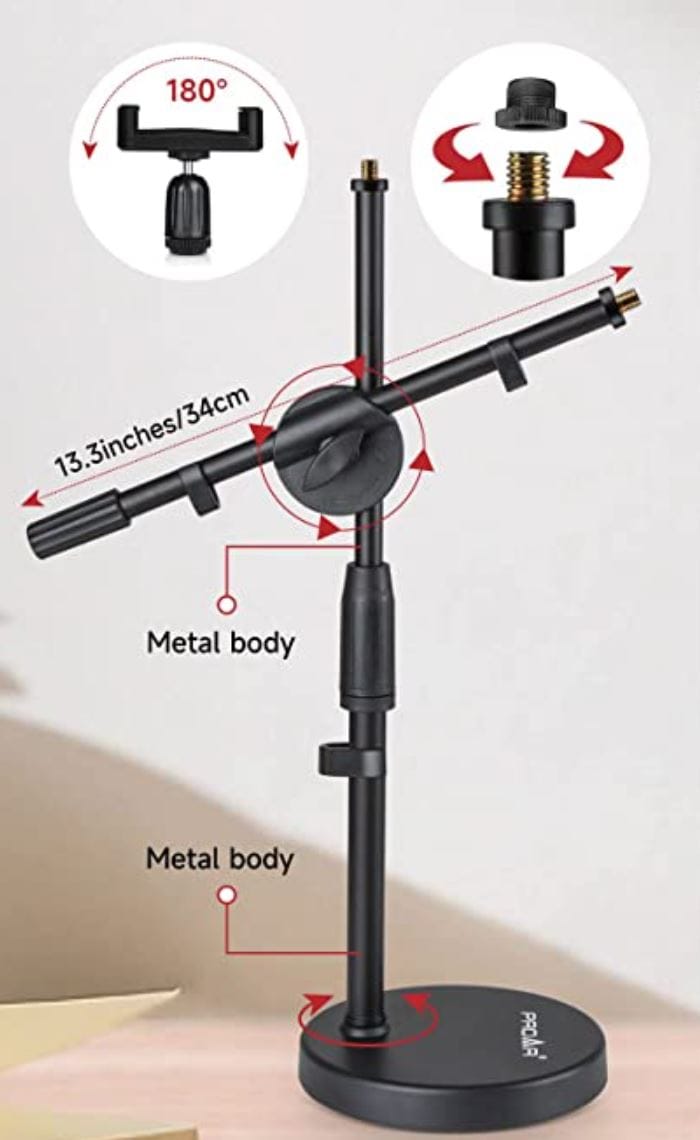
Android or iPhone works. A link for two possible options for a phone stand with a boom arm is listed below.
Two Options on Amazon:
Keyboard
An acoustic or electric keyboard will do. Some music stores will allow you to rent an electric keyboard for an event.
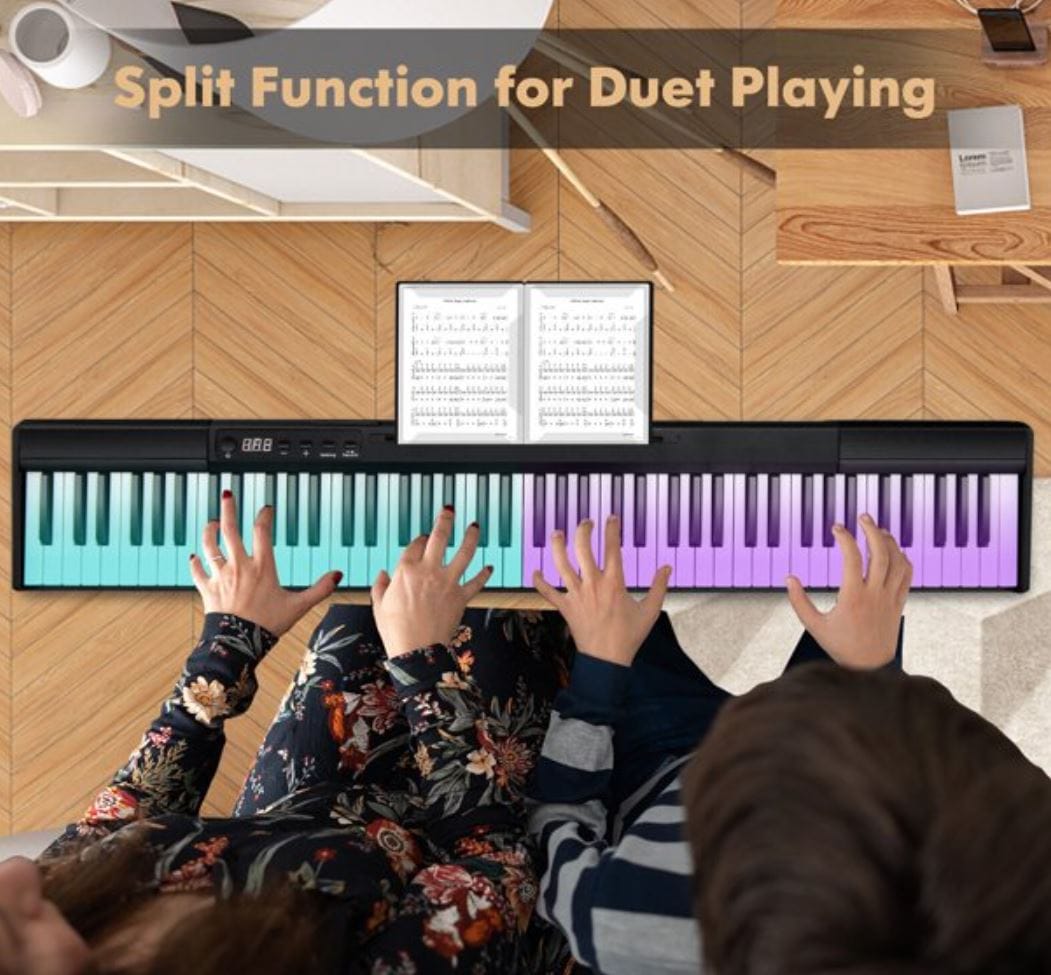
If you're looking to purchase a keyboard and want to keep in mind doing a party event where 2 people play together, please refer to the Purchasing First Piano page.
Split keyboards can also be used as a single keyboard for ongoing lessons.
You'll also need a stand to hold music/iPad and a bench.
A chair won't work because your wrists should be above the white keys. The arms cause curved fingertips to press the keys downward, so you're playing without strain.
There are many 88-key weighted keyboards to choose from, depending on your longevity of having parties and learning to play the piano. The purpose of the weighted keys is to strengthen your fingers as you play. Electric keyboards do not have to be tuned regularly, as an acoustic piano does, and can play well with the teacher online or a backing track that the teacher may send you for your lesson.
Preparing A Student
For An Online Lesson
for VOICE - Online Lessons
Login Information
Before your first lesson, a login LINK to the MOOZ platform will be added to your custom Google Docs Asignment sheet in the top header area of the page. Just click the LINK to jump on and start your lesson.
Webcam with Mic
At your desk or music stand
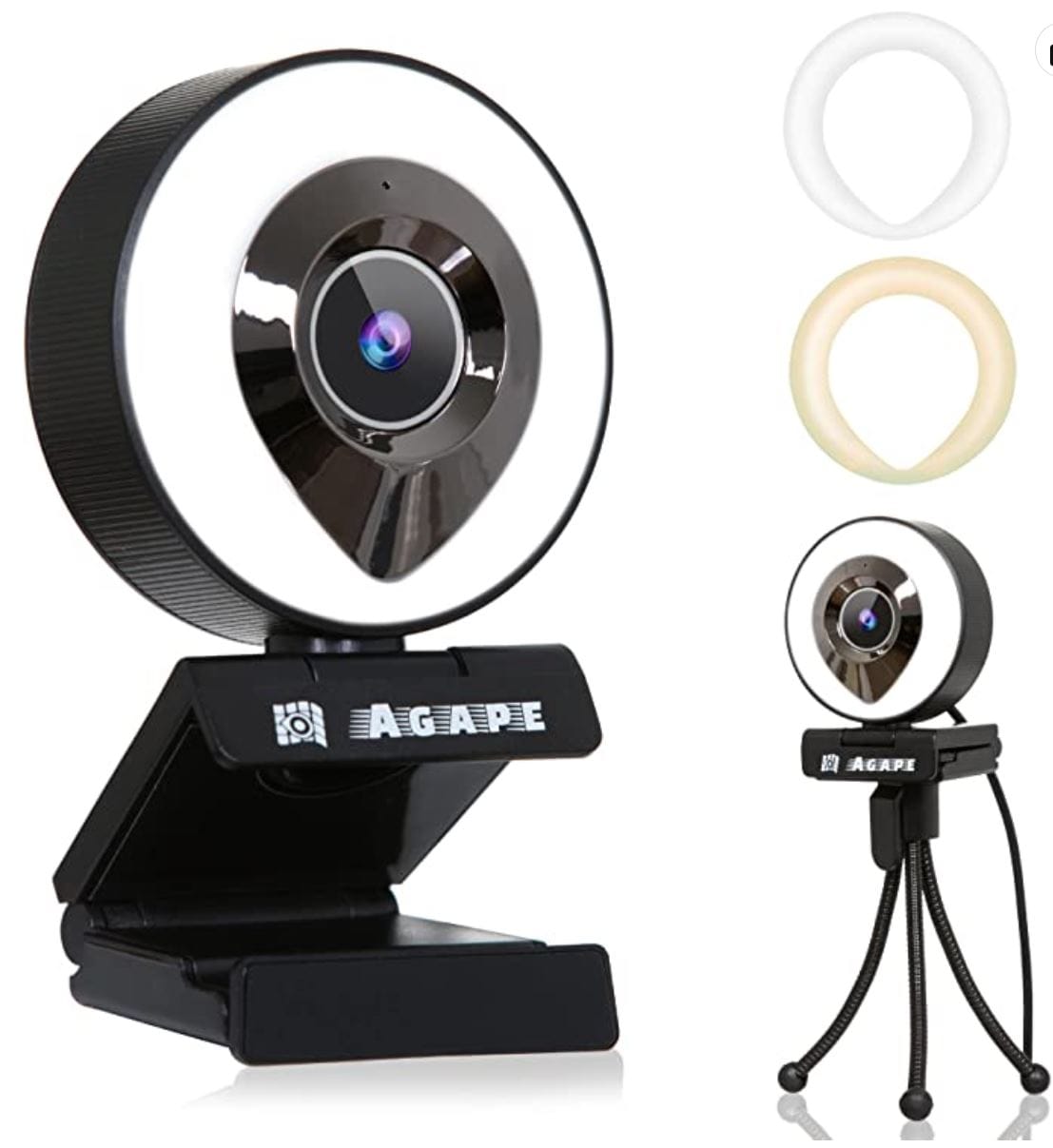
All you need is a webcam with a microphone at your desk, or at a music stand, so you can sing comfortably in a sitting or standing position. There are many to choose from at different prices. You want a clear sound for your teacher.
Here's one option: Galyimage (not the one pictured)
These are only suggestions to get you started, and Amazon options are always changing. We can have a lesson with what you already have and then go from there.
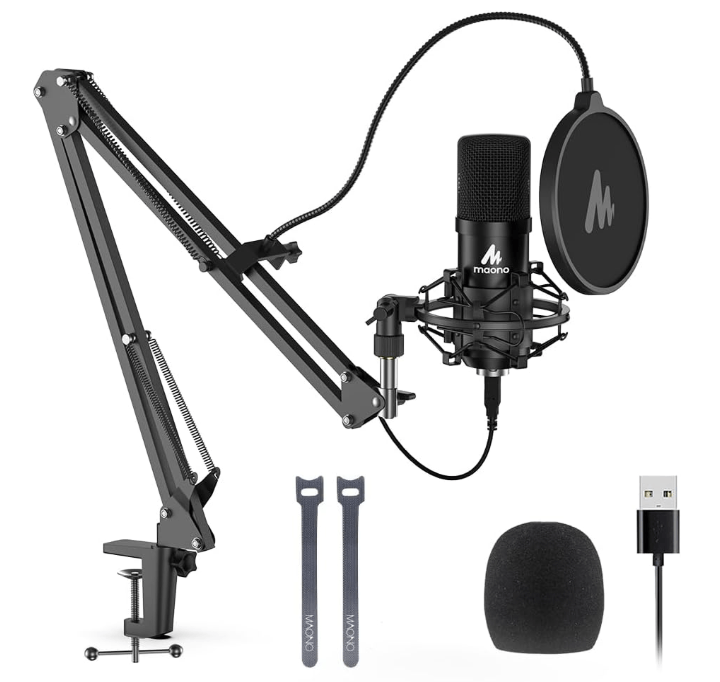
Quality Mic
You may want to get a quality microphone to attach to your laptop or desktop. These also come in a range of prices. Be wise. Consider your musical goals. Don't spend a lot if you're just trying things out. If you know for sure that singing is your thing and your goals are developing toward being a professional, then save up and get a quality mic. The sound you hear your voice making through a quality mic can be the difference between a hobby and the solid confidence to go for that audition.

Copyrights © 2026 All Rights Reserved | Sounds of Joy Music Studio under Jubilee Music & Publishing, LLC
Privacy | Terms & Conditions | Accessibility